
Transactional SMS - Shorten and Track Links
The Transactional SMS Shortener automatically shortens URLs included in transactional SMS messages and enables link click tracking. This helps keep SMS content clean and readable while providing visibility into user interactions with shared links.
By converting long URLs into short links, this feature improves message appearance, reduces character usage without any additional configuration.
How to Access
To use this feature, go to
Content > Transactional > SMS and click New to create a new transactional SMS. After entering a name and an optional description, click Next to access the content section.
How to Use
In the content section, type your transactional SMS message and include any URLs you want to share. Enable the Shorten and track links toggle to automatically shorten all URLs in the message using Dengage’s built-in URL Shortener Service.
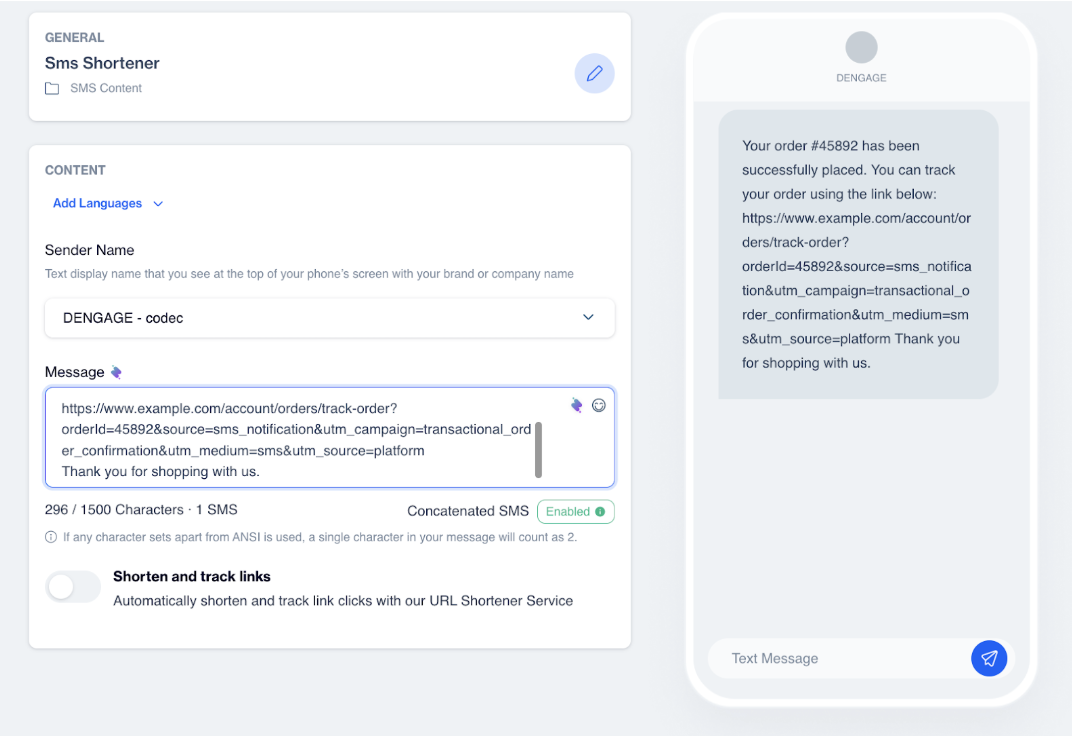
Shorten and Track Links
When this option is enabled, links are shortened using Dengage’s default short domain.
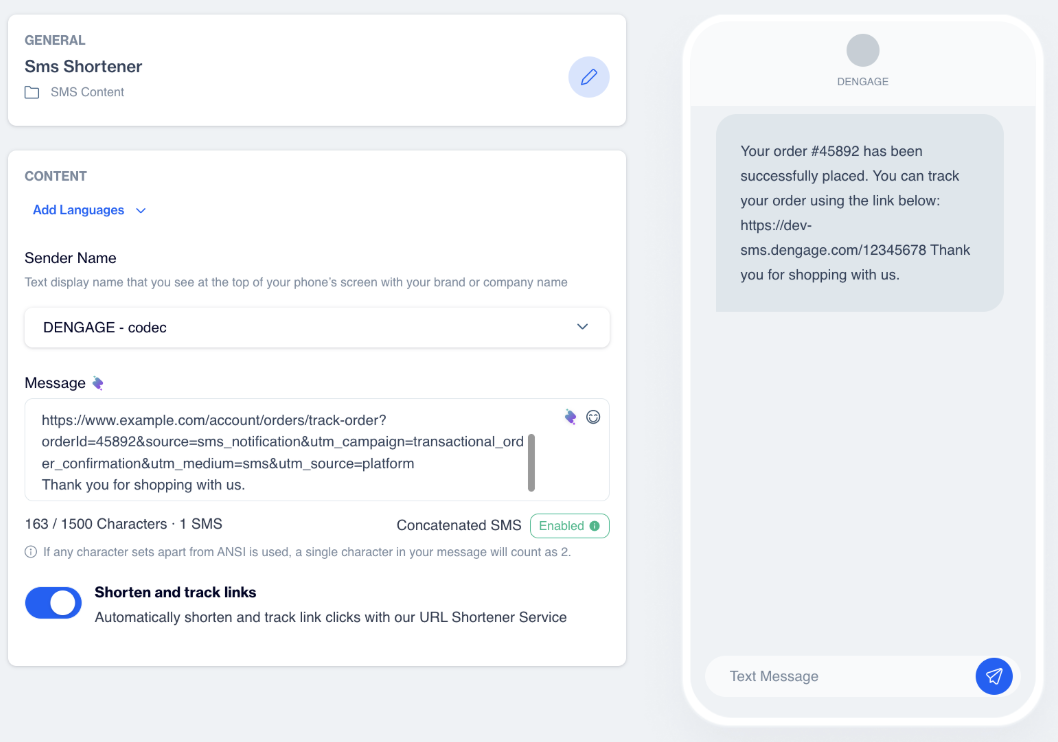
The Transactional SMS Shortener simplifies link management in SMS messages while enabling click tracking with no manual effort.
Updated 3 months ago