
Dynamic Link UTM Parameter
This feature automatically adds UTM parameters to dynamic links when Google Analytics tracking is enabled.
If your dynamic link contains a full URL (starting with http:// or https://), the system detects it automatically and appends the defined UTM parameters at send time.
This works consistently across Push, Inapp, Onsite, Email, and SMS channels. You do not need to manually update or format your dynamic URLs for tracking. Google Analytics tracking works automatically, and links function correctly in every channel.
How to Access
Go to Campaigns > Flow and create a new campaign or open an existing one.
In the campaign flow, navigate to Delivery Settings and open the Google Analytics tab.
Here, you can enable Google Analytics tracking and define your UTM parameters.
How to Use
To use this feature, simply enable the Google Analytics toggle in Delivery Settings and define your UTM parameters. UTM parameters are tracking values added to the end of a URL. They help you understand where your traffic comes from and measure campaign performance in Google Analytics.
- Turn on the Google Analytics toggle.
- Define your UTM parameters (such as utm_source, utm_medium, utm_campaign).
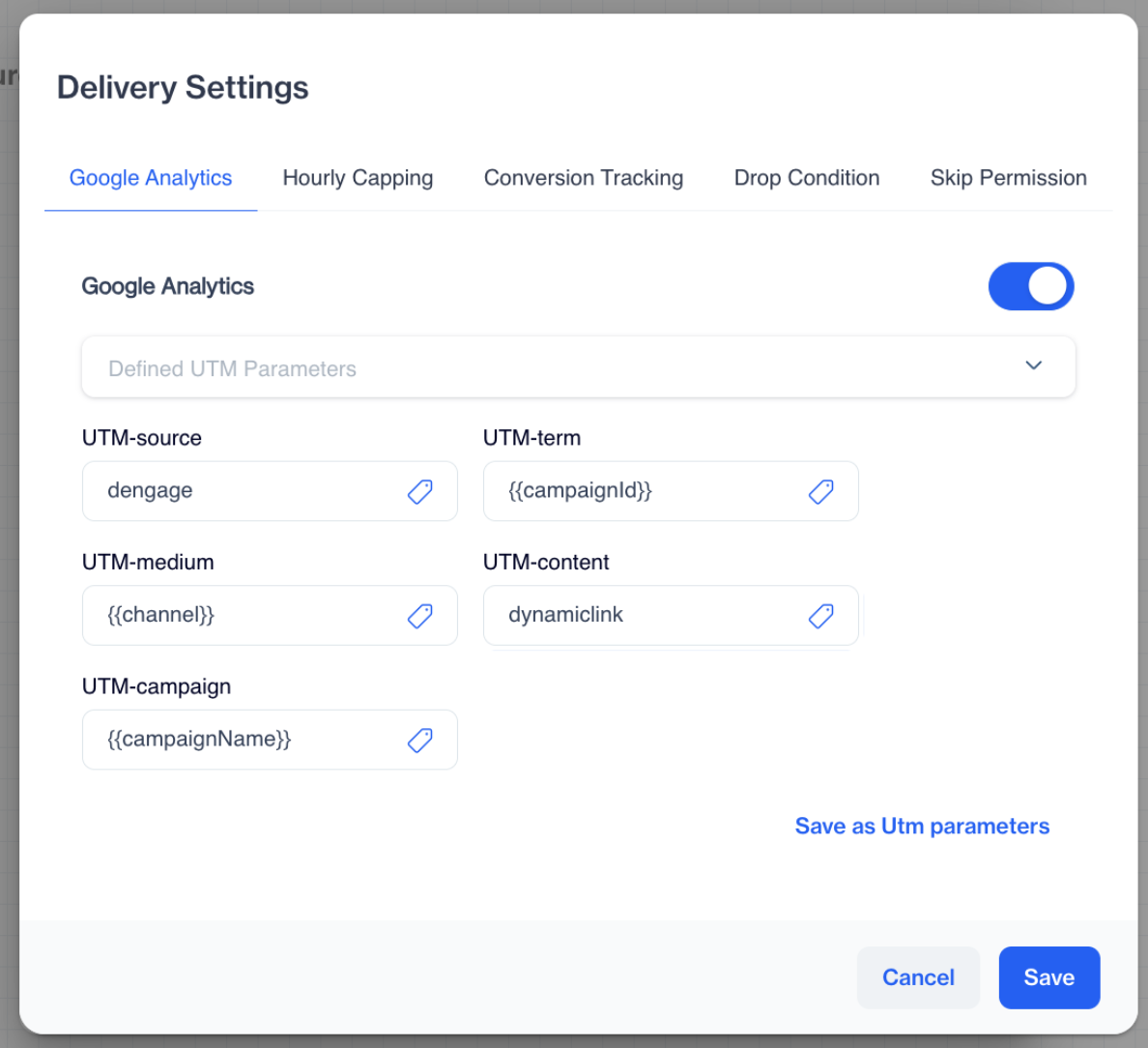
UTM Parameters
- Save your settings.
When the campaign is sent, the system automatically checks the final generated link. If it contains http:// or https://, UTM parameters are added automatically.
If Google Analytics is turned off, UTM parameters are not added.
Use Case
You send a personalized campaign where each user receives a different landing page URL. With Google Analytics enabled, UTM parameters are automatically added to each dynamic link, allowing you to track performance accurately in Google Analytics.
Dynamic Link UTM Parameter Addition ensures automatic and consistent tracking for dynamic URLs.
Updated 3 months ago